Form Spam Protection
reCAPTCHA v2
Drop Google reCAPTCHA v2 into any Framer form and stop submissions until the visitor is verified.
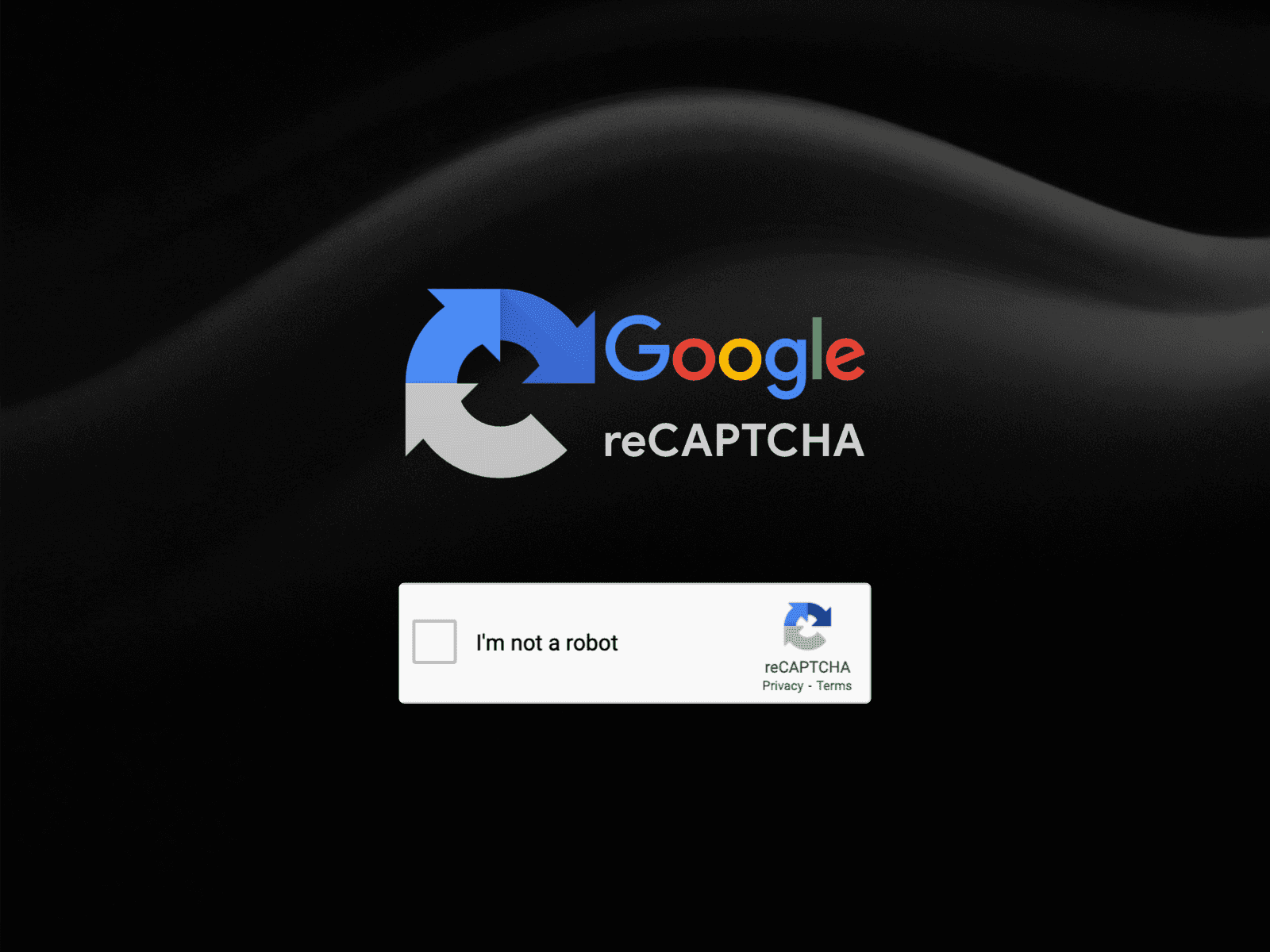
The Checkbox Your Visitors Already Recognise
reCAPTCHA v2 is the familiar tick box that confirms a visitor is not a robot. This component brings it into Framer and ties it to your form, so the form cannot be submitted until the check passes.
How It Works
Generate a Site Key in the Google reCAPTCHA console, paste it into the component, and place the component inside your form. The submit action stays inactive until verification completes.
Where To Use It
Contact and enquiry forms, booking requests, job applications, and any form being hit by automated submissions.
Good To Know
Light and dark themes are both supported, and reCAPTCHA is free on a standard Google account.
What You Need
A Google account and a reCAPTCHA v2 site key, generated from the Google reCAPTCHA admin console. You register your domain there, copy the site key across, and reCAPTCHA remains free at normal usage levels.


MORE PRODUCTS
More From the Library
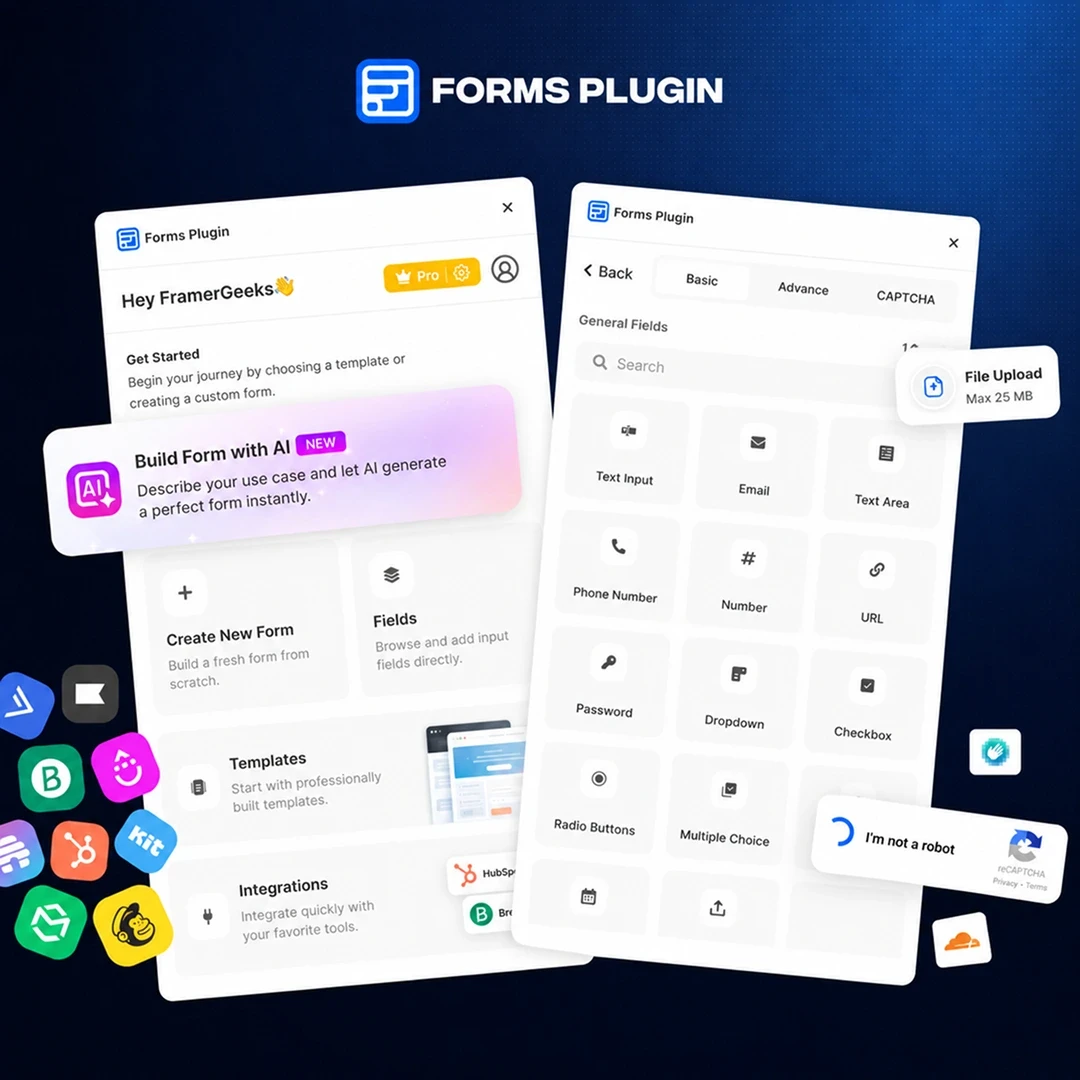
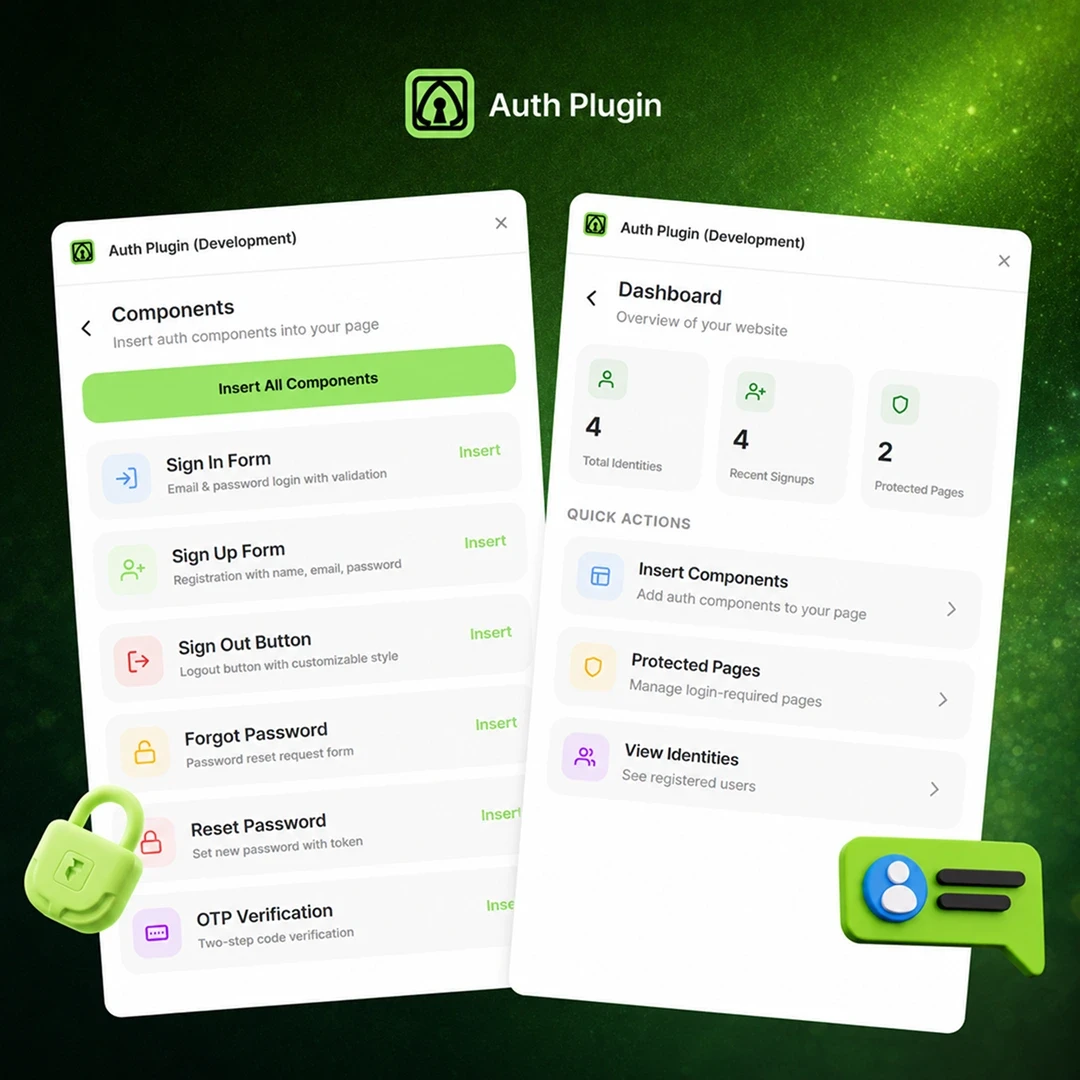
Templates, components and plugins built by the same team, ready to drop into your next project.

HCaptcha for Form
$4
Form Spam Protection

Typewriter Effect
Free
Text Animation Component
Countdown
Free
Time Countdown Component