Social Media Button Plugin
Contactly
Add floating WhatsApp and Messenger chat buttons to your Framer site, styled to match your brand.

Let Visitors Reach You On The App They Already Use
Contactly adds chat buttons to your Framer site so a visitor can start a WhatsApp or Messenger conversation in one tap, instead of filling in a form and waiting for a reply.
What It Does
Choose the platforms you want, enter your number or page details, and set the button position, colours and size. The buttons sit above your content and stay in place as the visitor scrolls.
Who It Is For
Local businesses, service providers, clinics, restaurants, and any site where a quick question converts better than a contact form.
Good To Know
WhatsApp and Messenger are supported today, with further platforms planned.
Where To Find It
Install the plugin from the Framer Marketplace and open it from the plugin menu inside your project. The buttons are added to the canvas from there, so no code or embed is involved.

MORE PRODUCTS
More From the Library
Templates, components and plugins built by the same team, ready to drop into your next project.
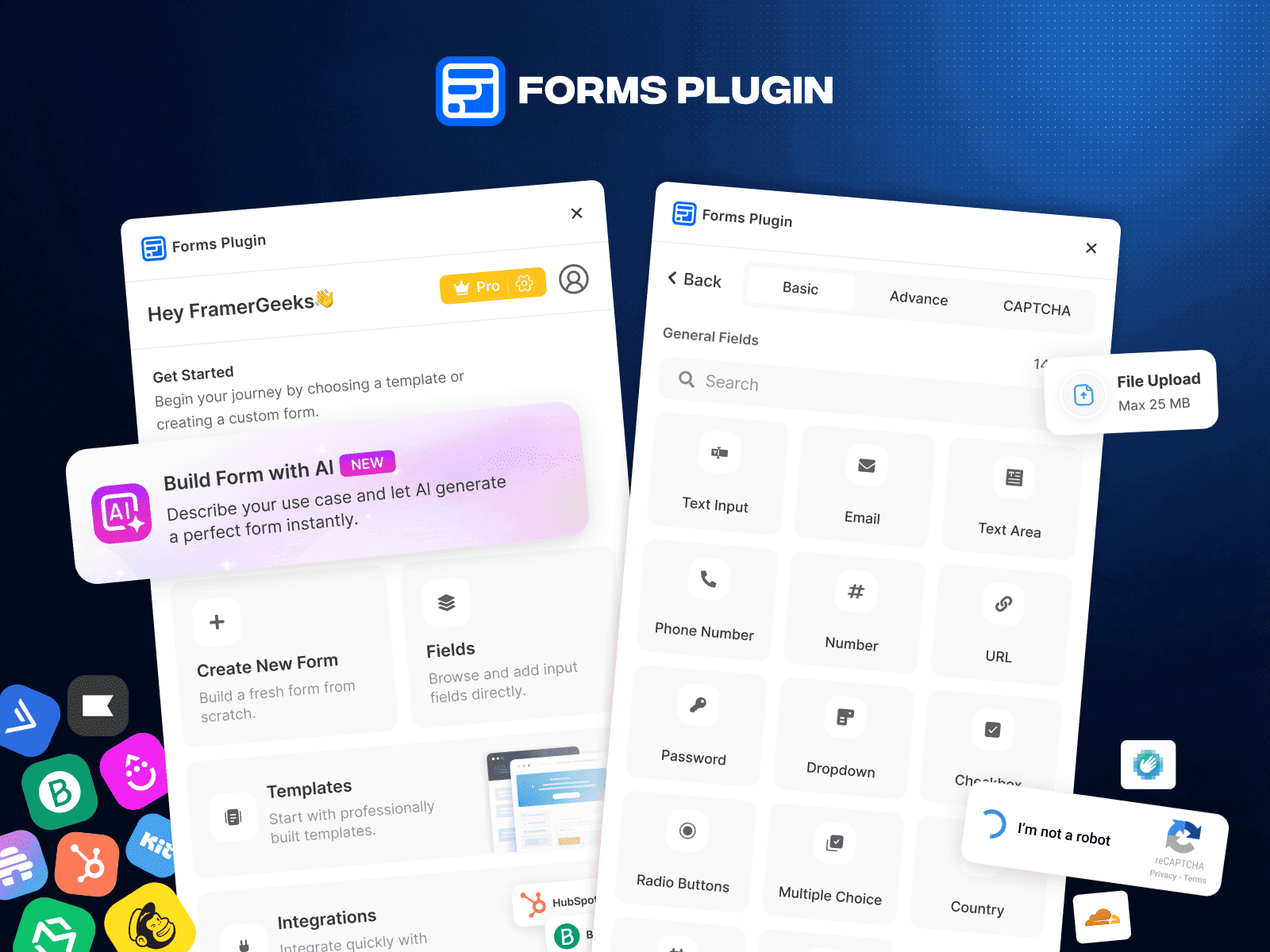
Forms Plugin
Form Builder Plugin for Framer

StyleFix
Project Audit Plugin

Auto Publish
CMS Scheduling Plugin