CMS Scheduling Plugin
Auto Publish
Schedule Framer CMS drafts to go live at a chosen date and time, without manual publishing.

Framer CMS Content That Publishes Itself
Framer has no way to schedule a CMS item, so anything time sensitive means being at your desk at the right moment. Auto Publish removes that. You pick a date and time for a draft and it goes live on its own.
What It Does
Connects to your project with its URL and an API token, lists the drafts in any collection, and lets you set a publish time for each one. A dashboard shows what is queued with a countdown, and an activity log records what has already gone out.
Who It Is For
Bloggers writing ahead of time, marketing teams working to an editorial calendar, agencies running several client projects at once, and stores with a launch fixed to a date.
Good To Know
More than one collection can be scheduled at the same time, and a search box finds a specific draft quickly once a collection has grown large.
Where To Find It
Install the plugin from the Framer Marketplace. It opens from the plugin menu inside any Framer project, and needs your project URL and an API token to connect.



MORE PRODUCTS
More From the Library
Templates, components and plugins built by the same team, ready to drop into your next project.
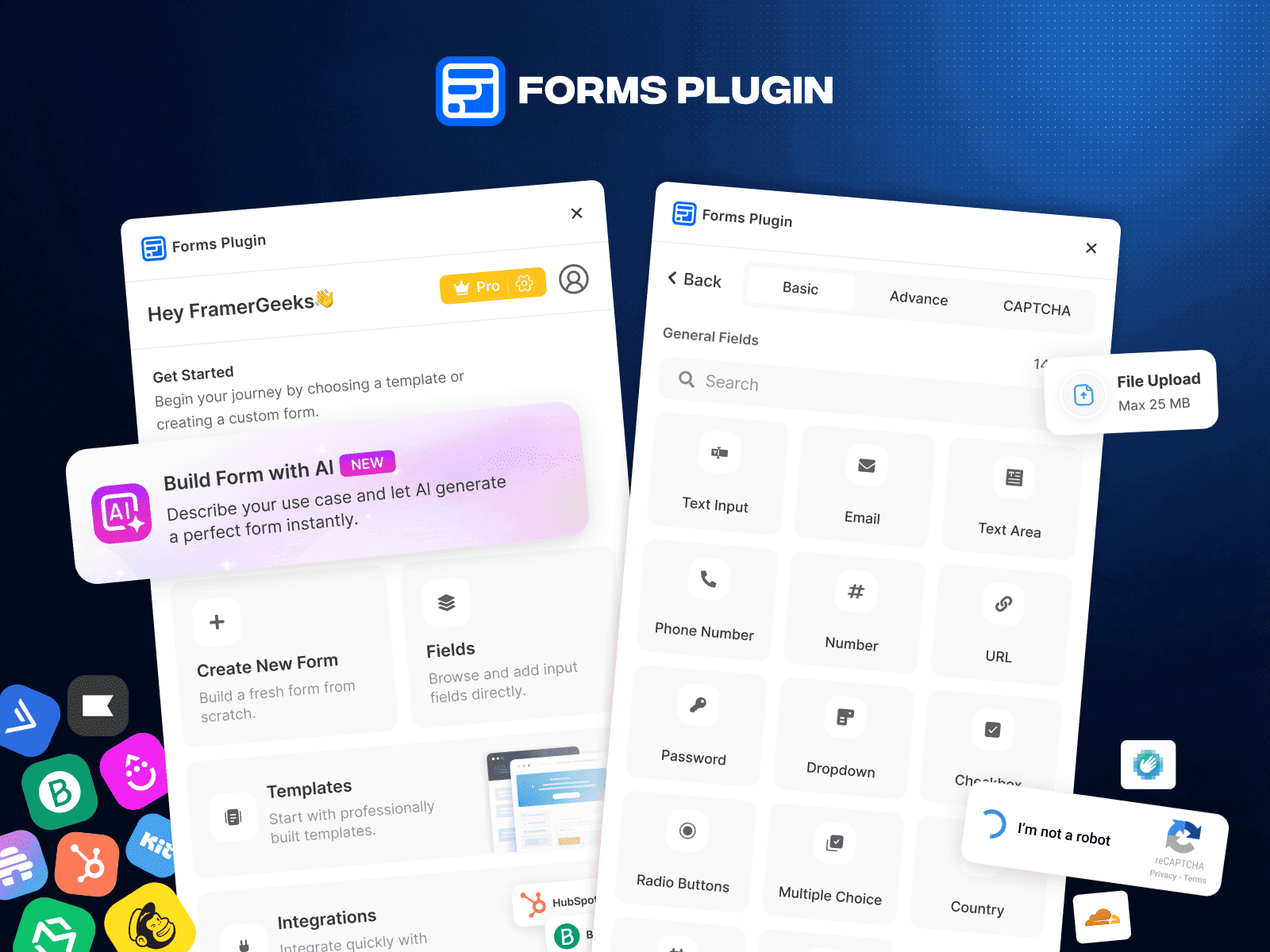
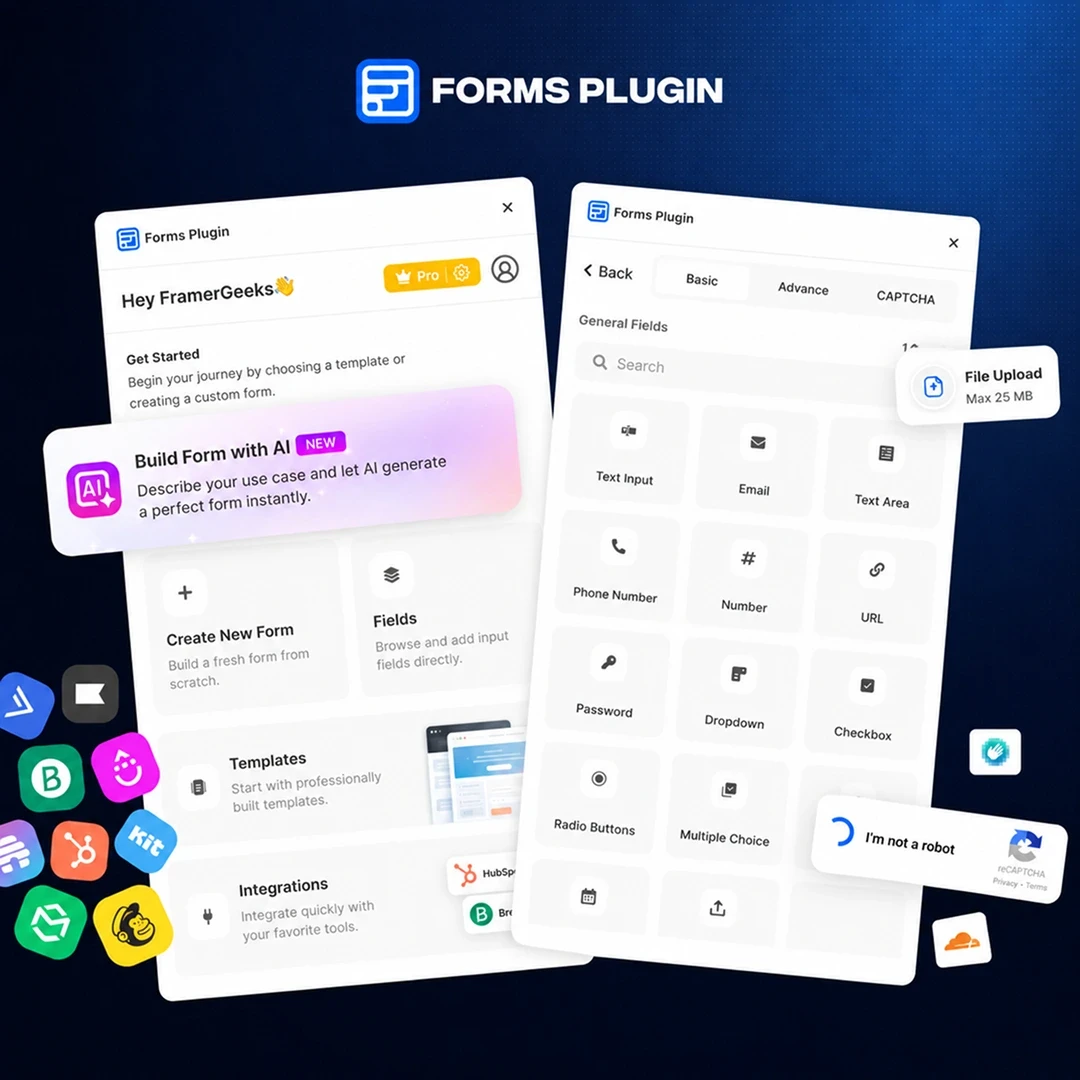
Forms Plugin
Form Builder Plugin for Framer

StyleFix
Project Audit Plugin

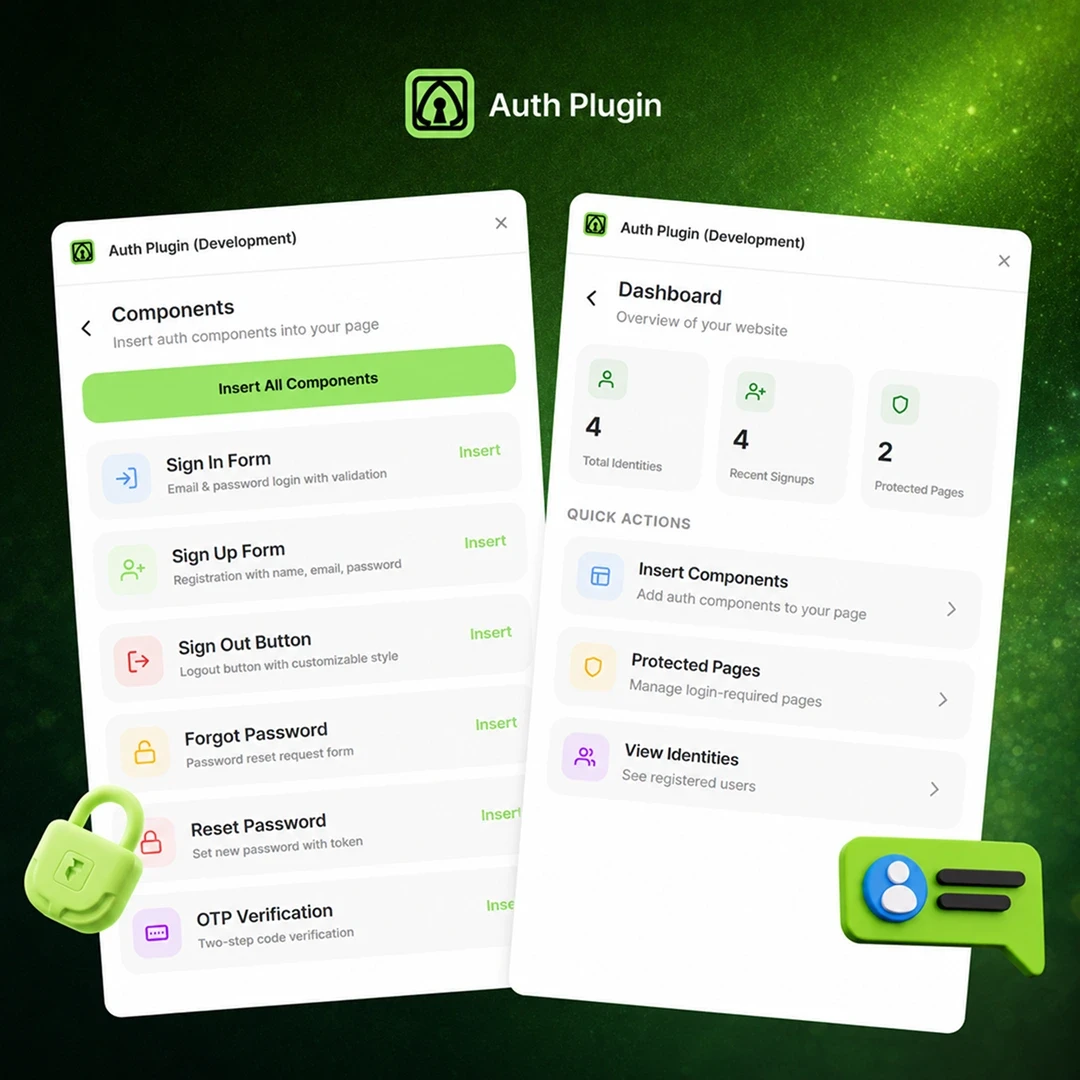
Auth Plugin
Authentication Plugin for Framer